Scott Wyden Kivowitz
Changing White Balance For Light Effects
By Scott•
If you're a photographer, then you play with light every time you take a picture. Want a fun experiment with light on a deeper level?
White balance is idea of making neutral gray, perfect - which in turn will make white's white.
For white balance at the time of shooting, I use two different tools depending on the situation. The first is the ColorChecker Passport which is my favorite for portraits, real estate, etc. The second is the ExpoDisc which is perfect for shooting landscapes.
If you shoot in RAW or DNG, then you can change the white balance in Lightroom. If you shoot in JPG then the white balance you pick in-camera, is the one you're stuck with. So I want to show you how much fun changing the white balance in Lightroom can be.
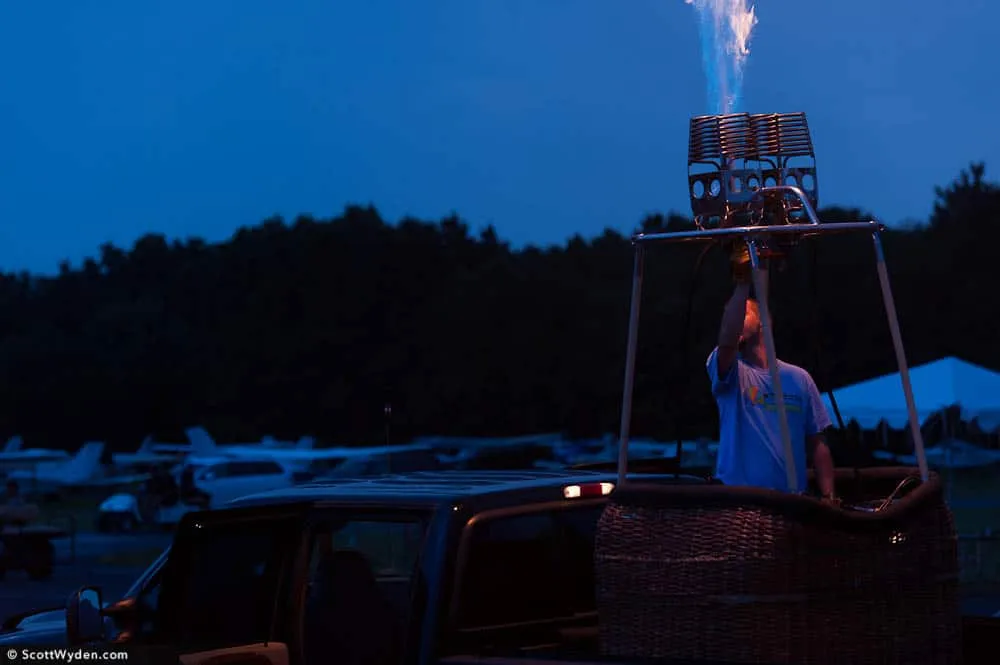
The night of the balloon festival, I was walking around shooting some fire glow shots. Trying to set the white balance in the dark and rain would be a pain in the butt, but being that I always shoot in DNG, I knew that I could adjust it after in Lightroom. So check this out.


Now remembering that the only change between each of these was a simple white balance change inside of Lightroom. Knowing that, which is your favorite?
Thanks for reading and happy shooting,
Scott